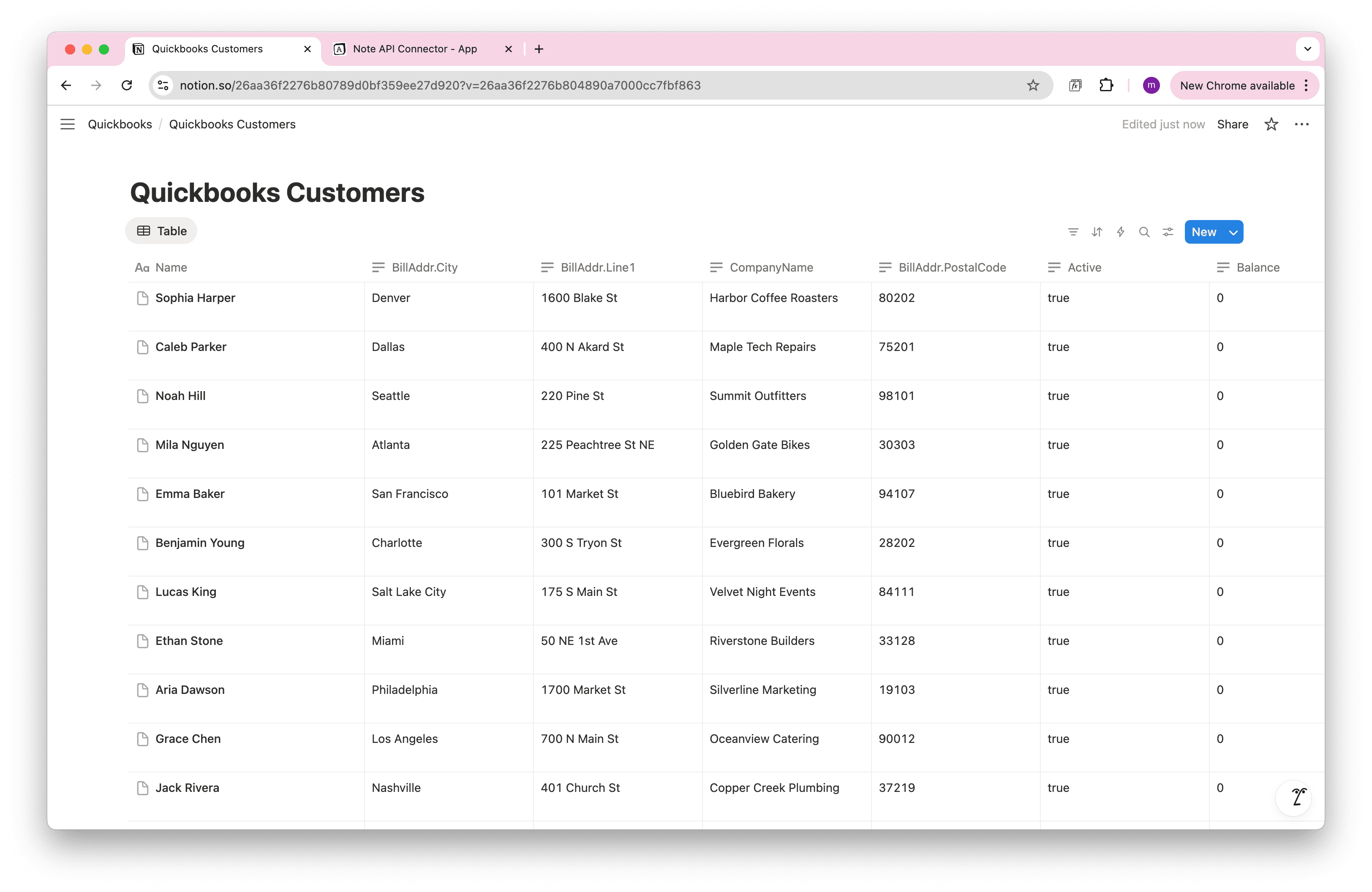
Notion Xero Integration: How to Import Xero Data into Notion
Want to import Xero data into Notion without writing code? If you track invoices, contacts, and payments in Xero, a smooth Xero → Notion integration can save hours of manual copy-paste and keep your dashboards always current.
In this step-by-step guide, you’ll connect Xero to Notion with Note API Connector: from creating a Xero OAuth app to selecting your Xero organisation (tenant) and importing data into a Notion database.
Getting started with Note API Connector
Connect your Notion workspace, grant the requested permissions, and you’re ready to build API-based imports in a few clicks.
👉 Follow the official setup guide to get started in minutes.
Create a Xero app
To securely connect Xero to Notion, first create a Xero app.
Log in to https://developer.xero.com/myapps. Click the New app button.
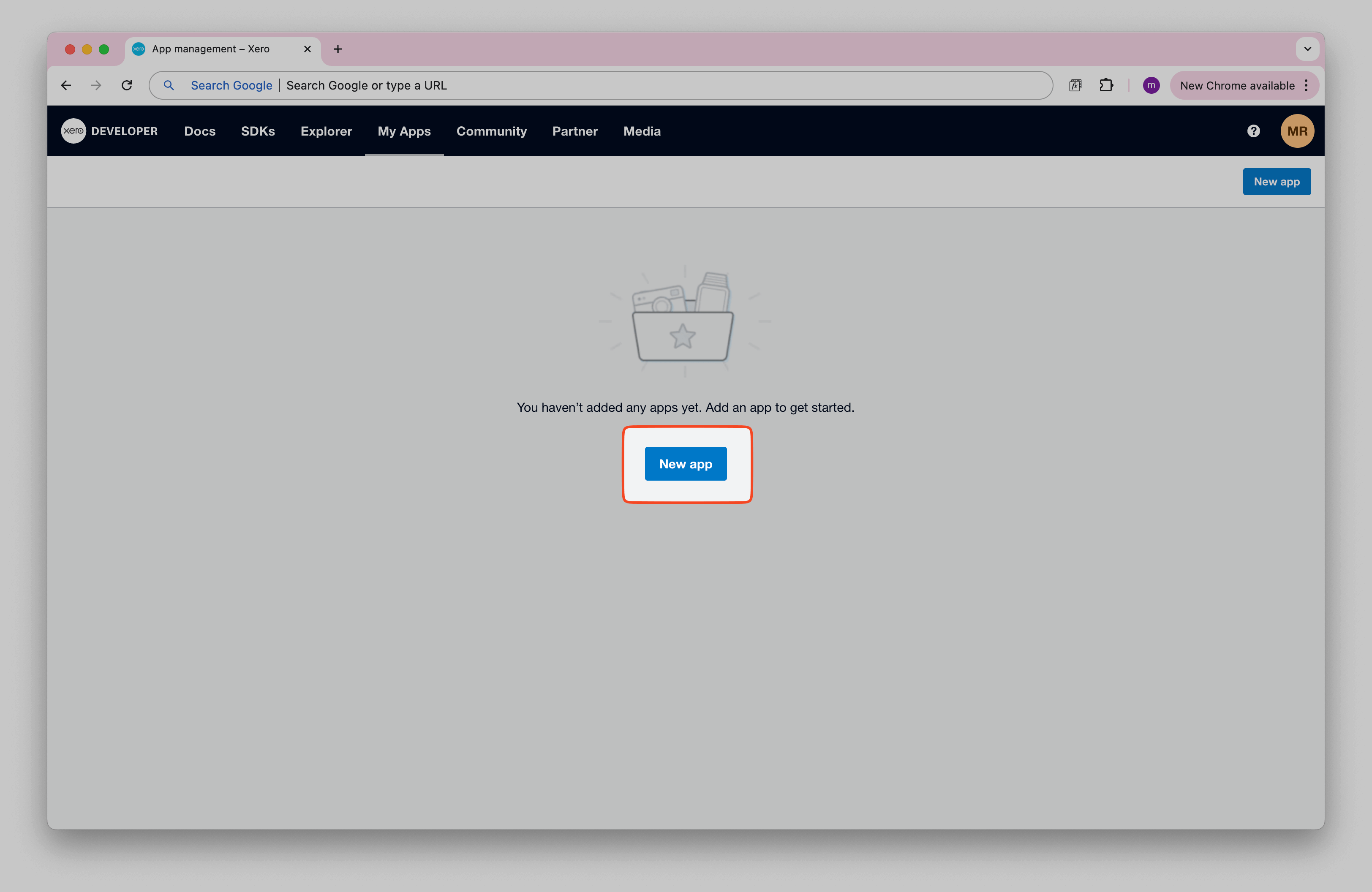
Fill out the app name (e.g., "Note API Connector") and other fields.
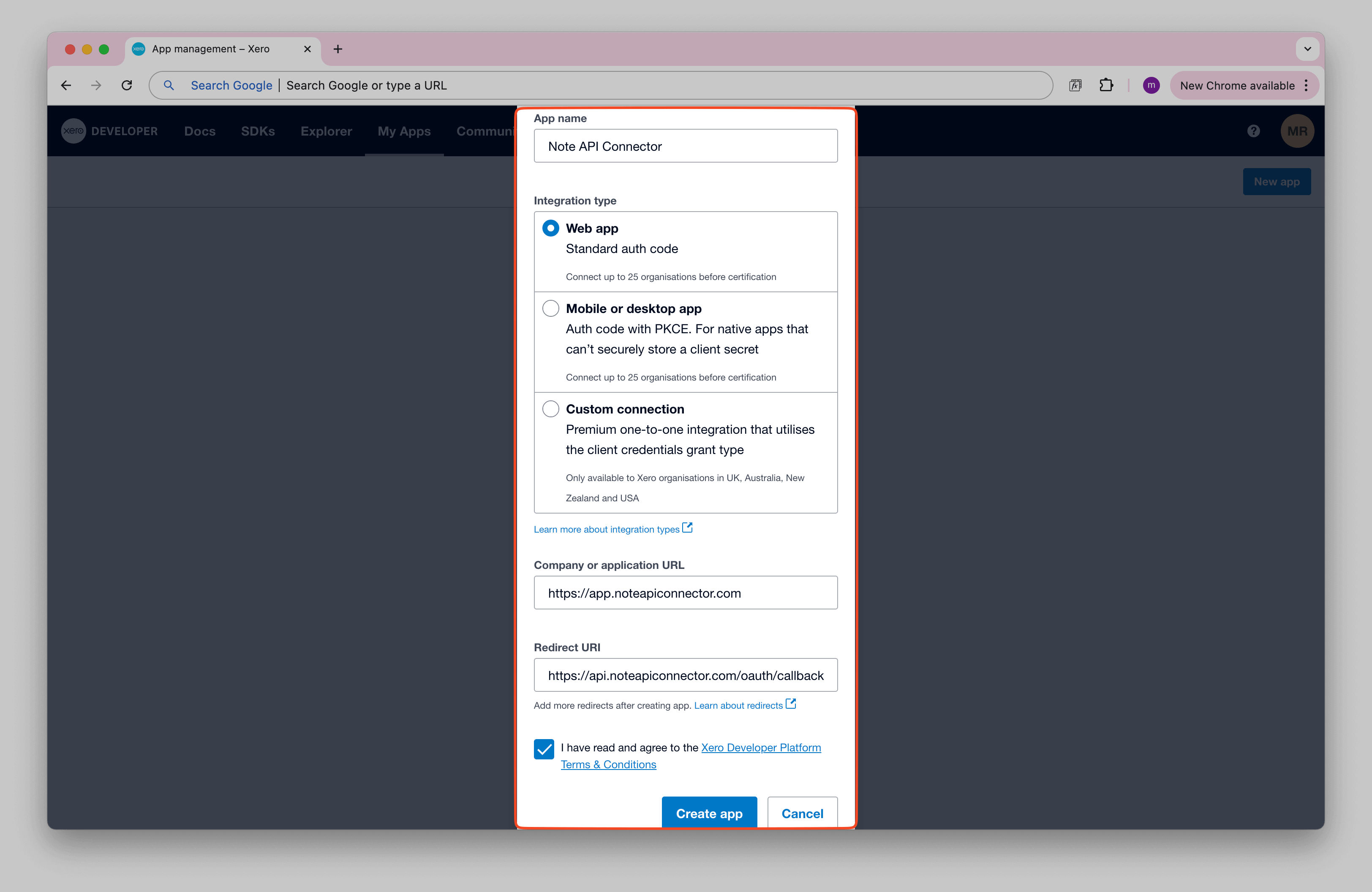
Make sure to add
https://api.noteapiconnector.com/oauth/callback
as the Redirect URI.
Then open Configuration in the left panel and click Generate a secret.
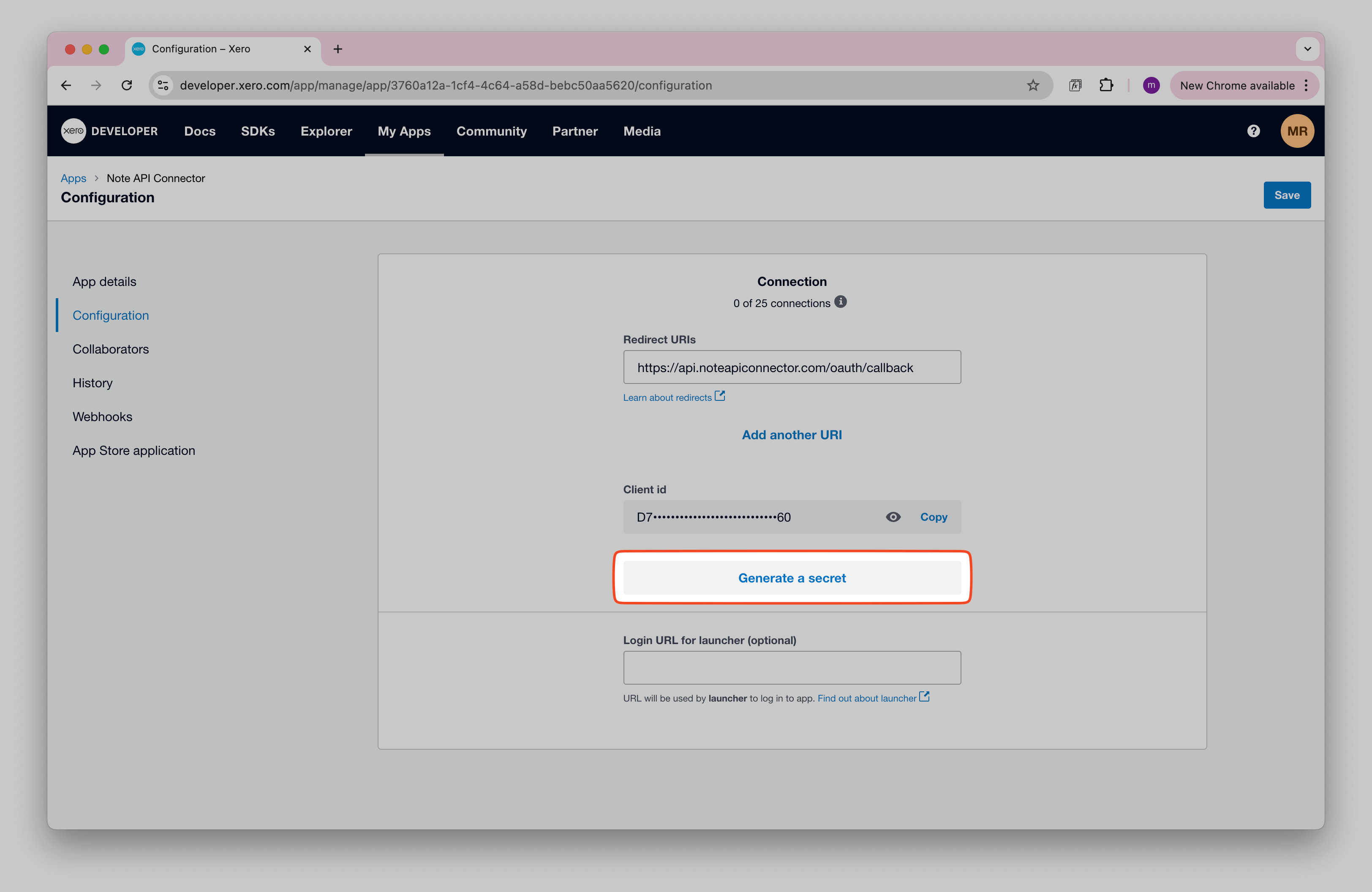
You should see your Client id and Client Secret . Keep them, you will need those values later.
Connect Xero to Notion via OAuth
Now it’s time to connect Xero to Notion through OAuth . Click Create request and select Authorization → OAuth → Add Custom OAuth.
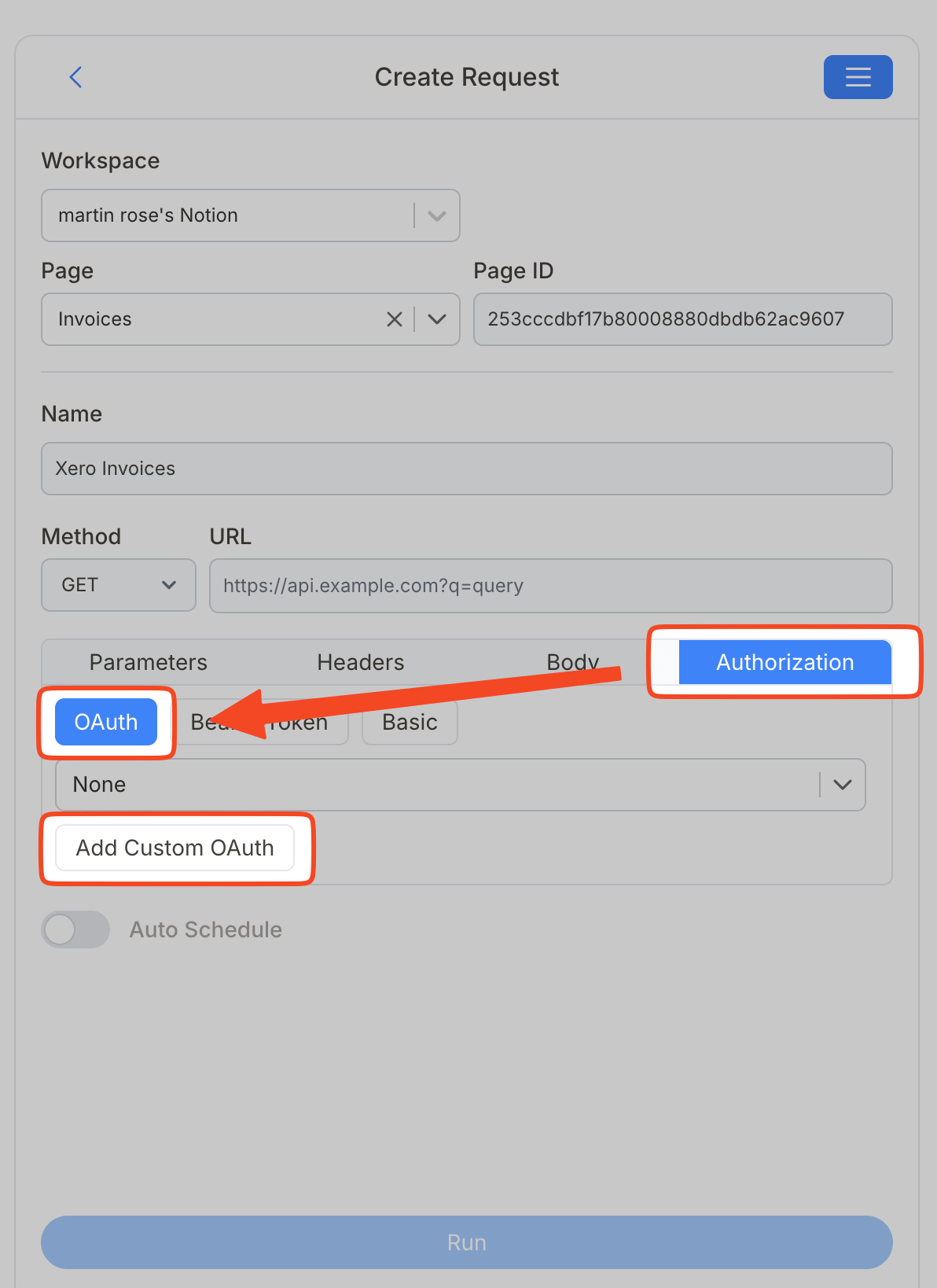
Enter the following details:
- Name , e.g. Xero Connection
-
Authorization Base URL
→
https://login.xero.com/identity/connect/authorize -
Token URL
→
https://identity.xero.com/connect/token - Client ID → your client ID
- Client Secret → your client secret
-
Scopes
→
offline_access accounting.banktransactions.read accounting.contacts.read accounting.reports.balancesheet.read accounting.reports.banksummary.read accounting.reports.budgetsummary.read accounting.reports.executivesummary.read accounting.reports.profitandloss.read accounting.reports.trialbalance.read accounting.reports.taxreports.read accounting.reports.tenninetynine.read accounting.invoices.read
What each scope does — and when to add more
-
offline_access— allows Xero to issue a refresh token so Note API Connector can re-authenticate in the background. Always required for scheduled syncs. -
accounting.banktransactions.read— grants read access to Invoices, Payments, CreditNotes, and BankTransactions. -
accounting.contacts.read— grants read access to Contacts. -
accounting.settings.read— needed if you want to pull Accounts, Tax Rates, or Tracking Categories. Add this scope to the list if you plan to use those endpoints.
You can add multiple scopes separated by spaces. If you add a new scope later, you will need to reconnect the OAuth connection so Xero can prompt you to approve the new permissions.
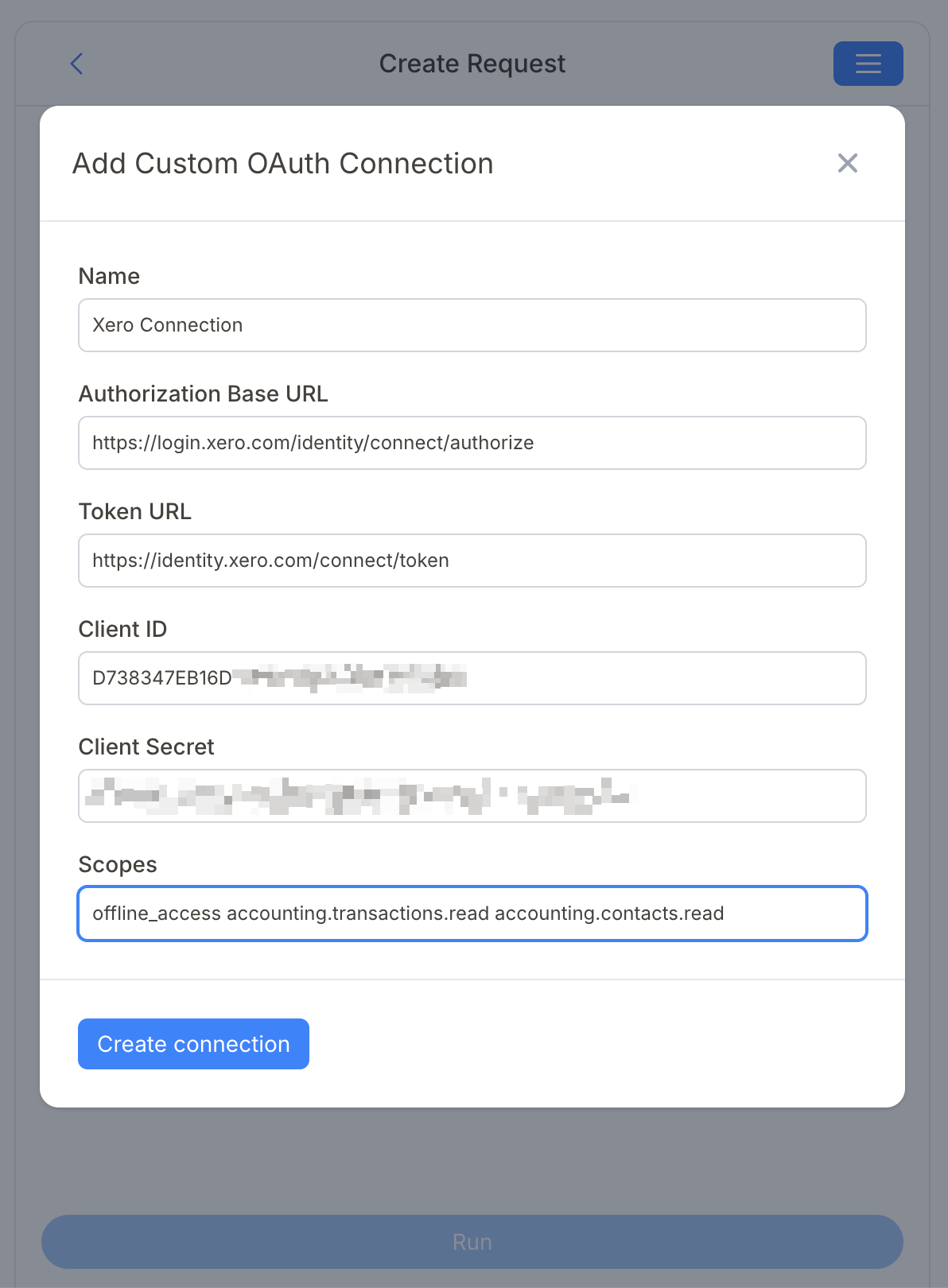
Click Create connection, then sign in to Xero in the pop-up window.
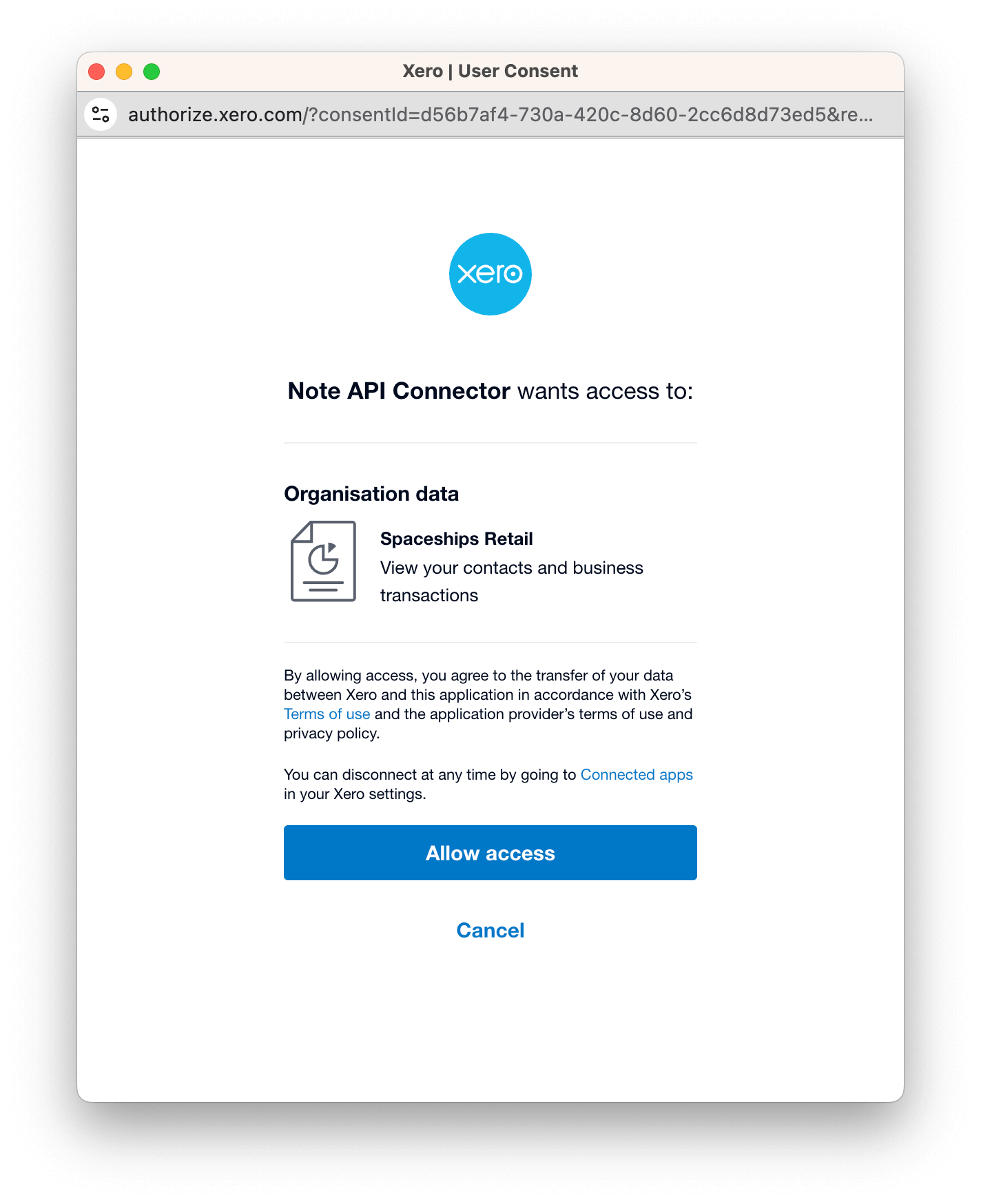
After a successful login, the pop-up will close and your OAuth connection should show a success state.
Important: Allow Access to Your Xero Organisation
During the Xero login flow you will be asked to select and allow access to your Xero organisation (tenant). You must complete this step, without granting organisation access the integration will not work.
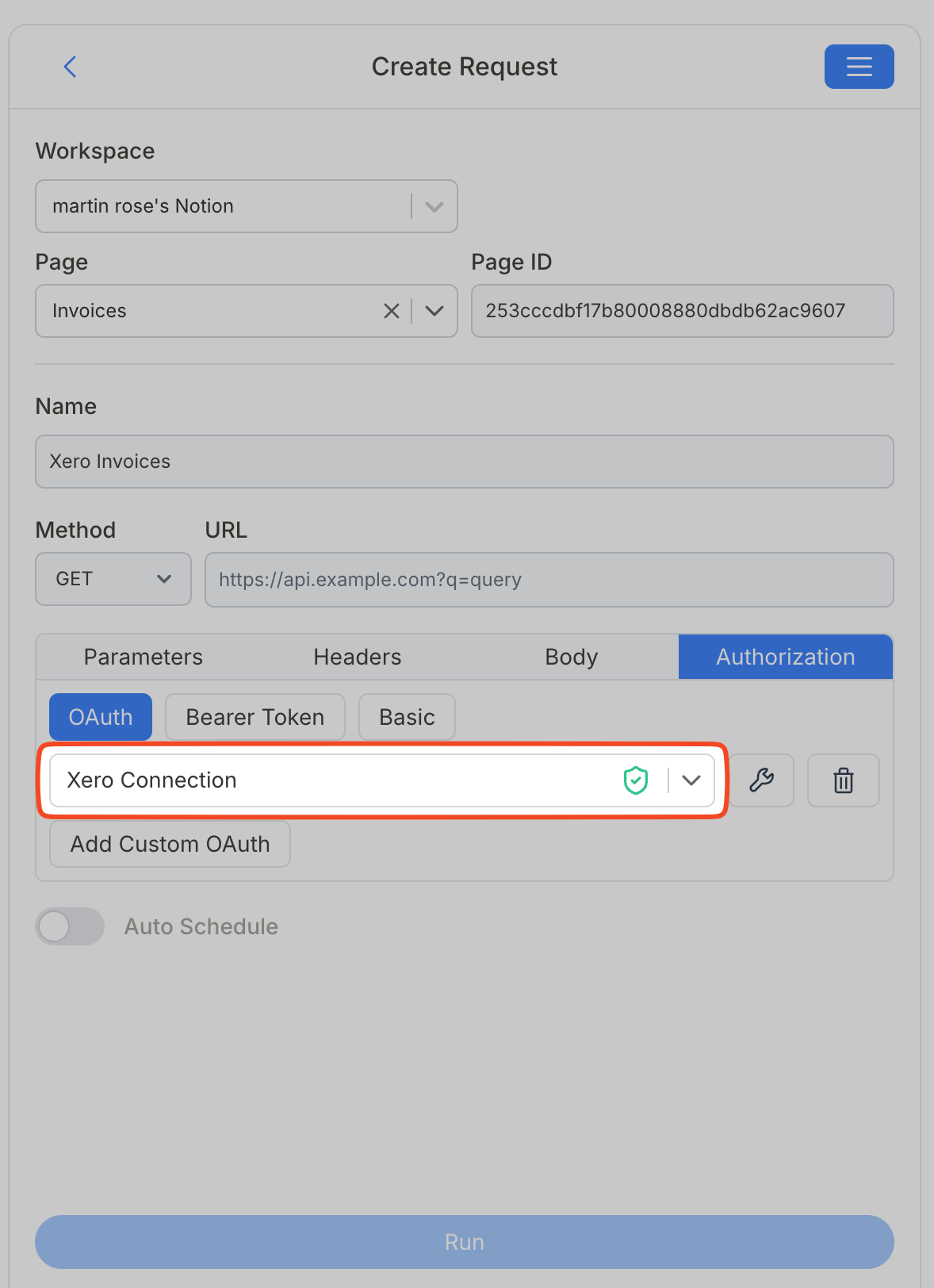
Import Xero Data into Notion
You can browse Accounting API endpoints in the Xero docs. For invoices, see the official endpoint reference here.
Create a Notion database where you will bring your Xero data.
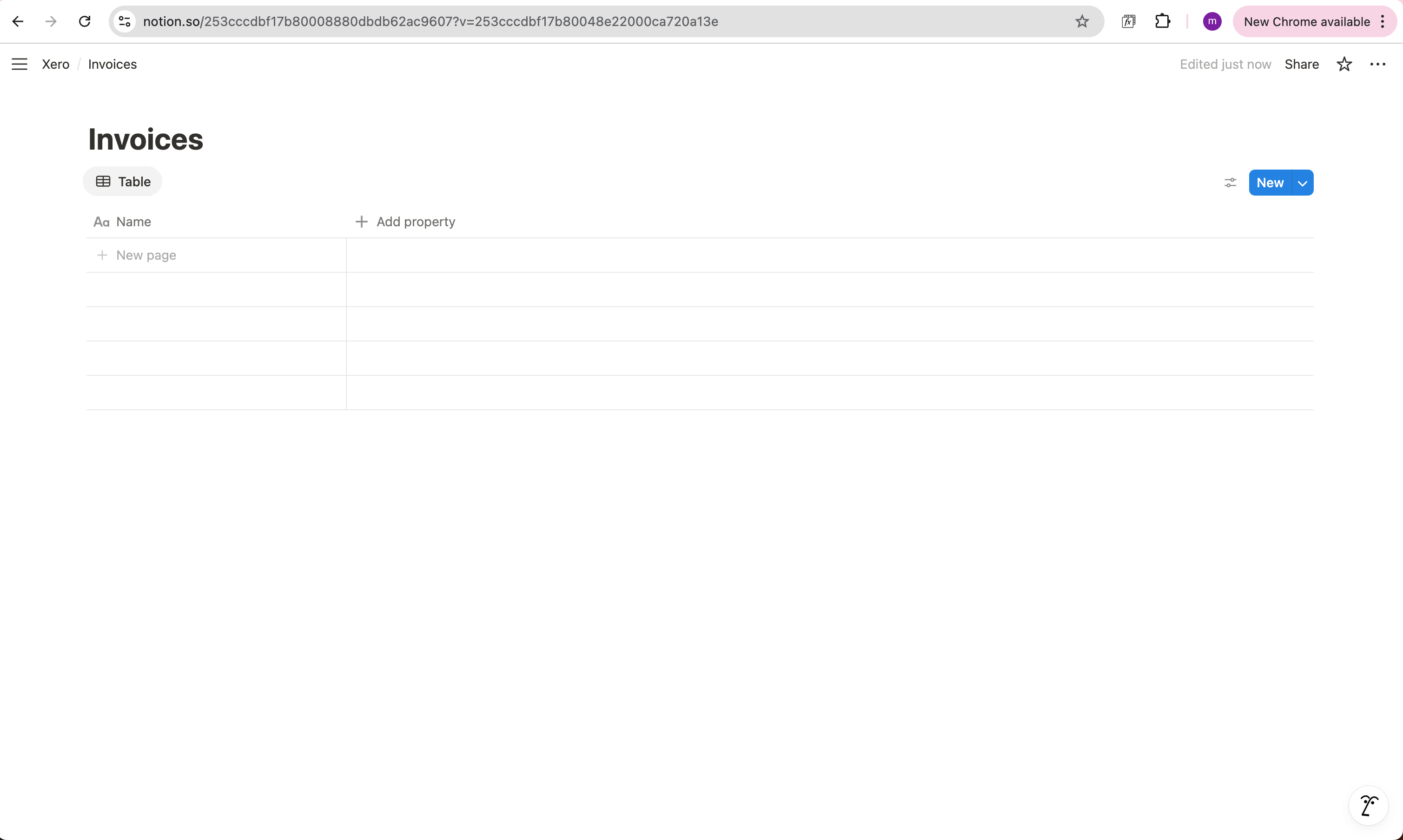
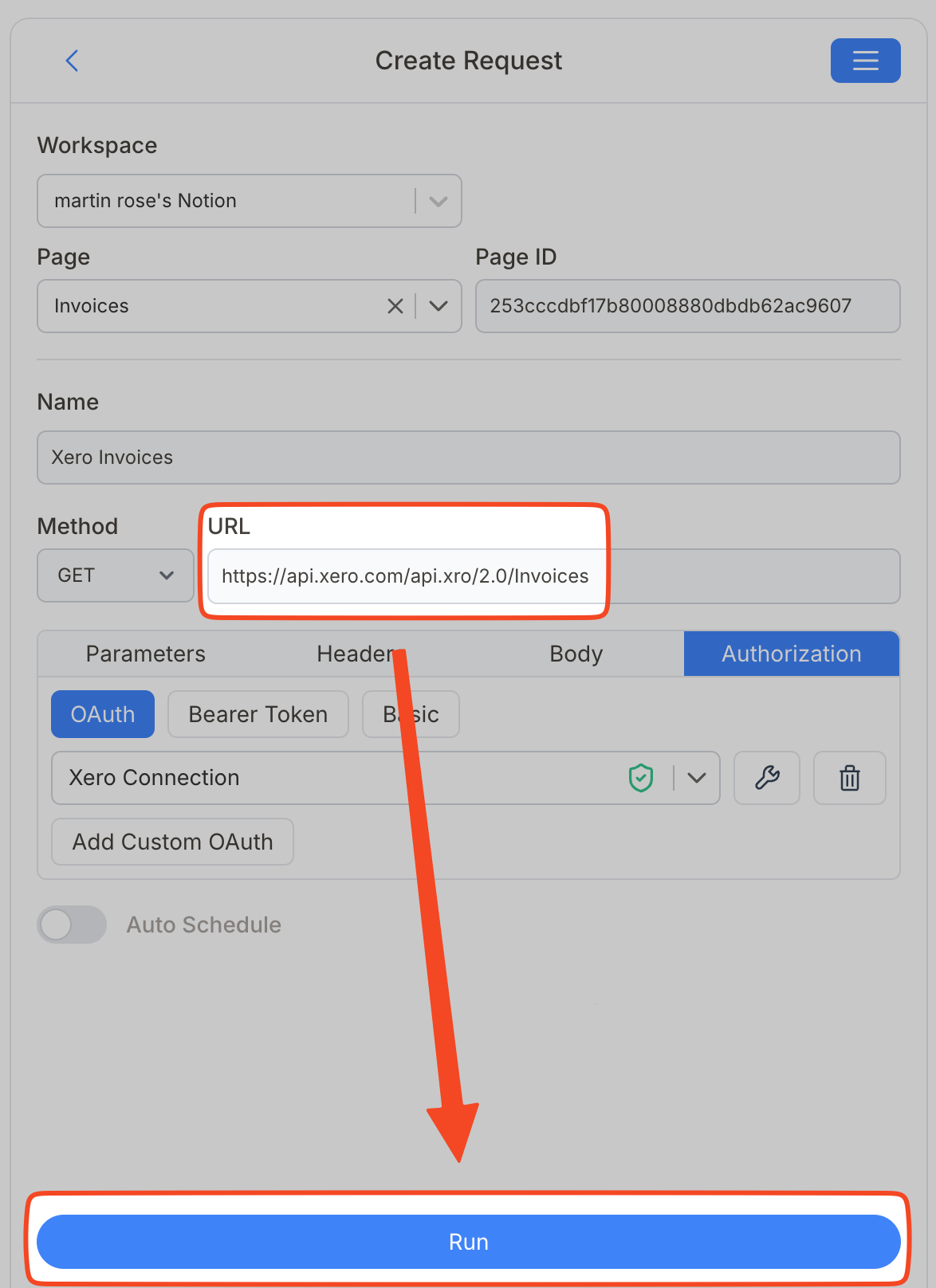
If you want to importXero Invoices, use the following API format:
https://api.xero.com/api.xro/2.0/Invoices
Name your request Xero Invoices , choose your Notion database, and paste the API URL into the request field.
Invoices data is nested in API response data. Add this JMES expression
Response.Invoices.Invoice to target invoices.
Xero always requires a JMES expression
Because all Xero API responses wrap their data inside nested objects, you will always need a JMES Path expression to reach the records you want. You don't have to write these by hand, use the Select Nested Data tool to generate the correct expression by clicking through the response tree visually.
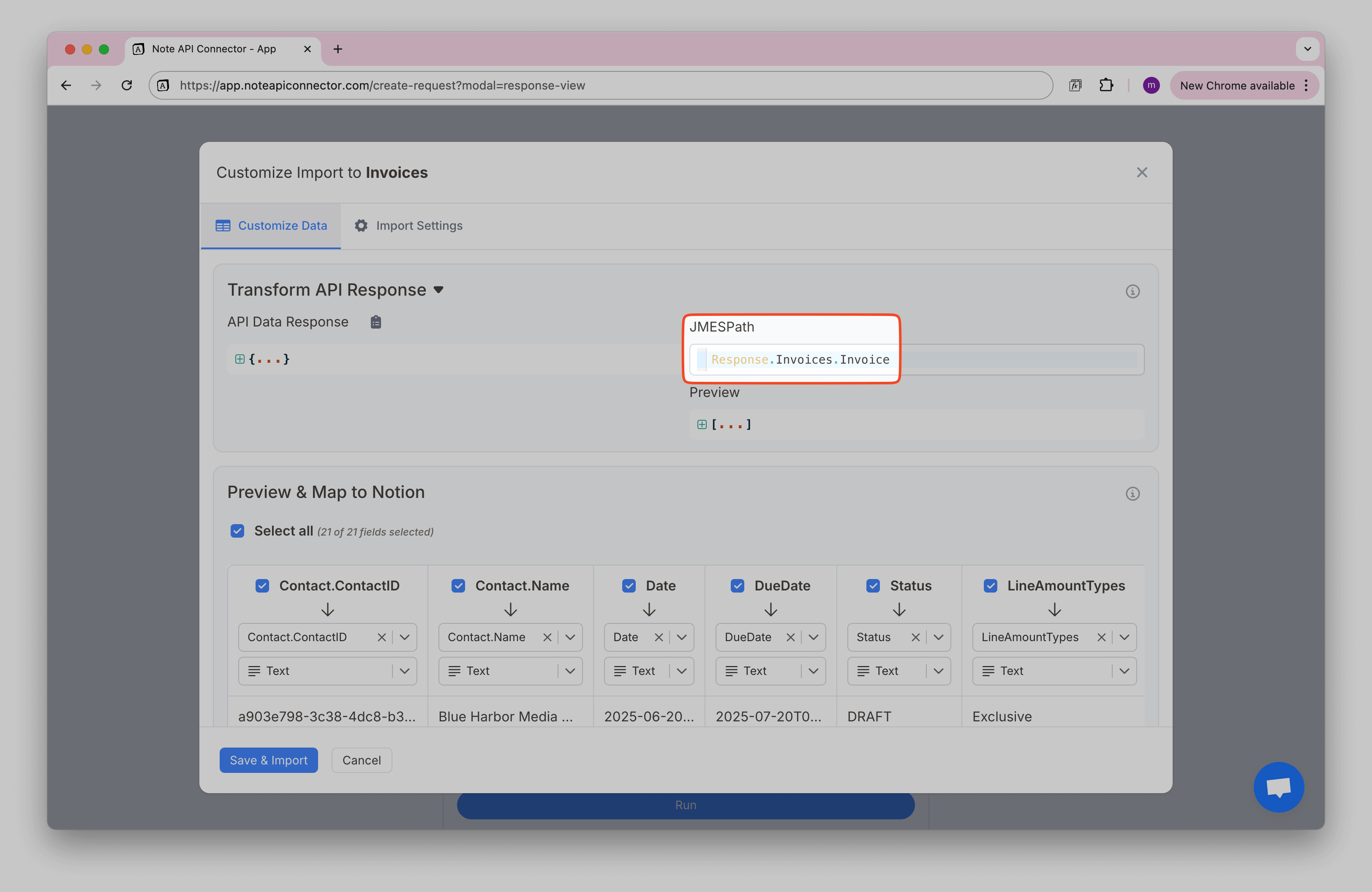
Review the fetched Xero data in the Response Field Mapping view.
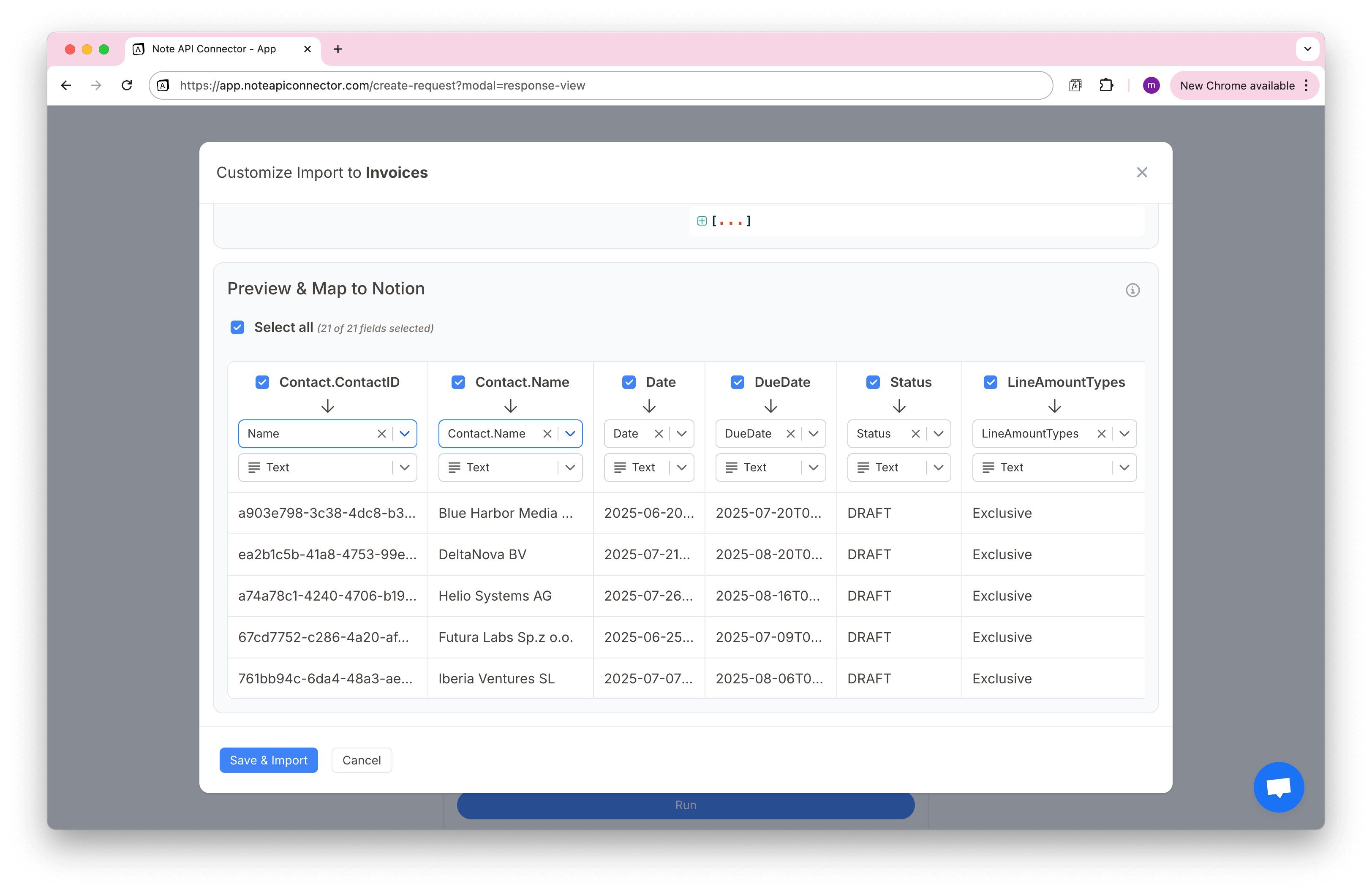
Click Save & Import to bring the Xero data in your Notion database.
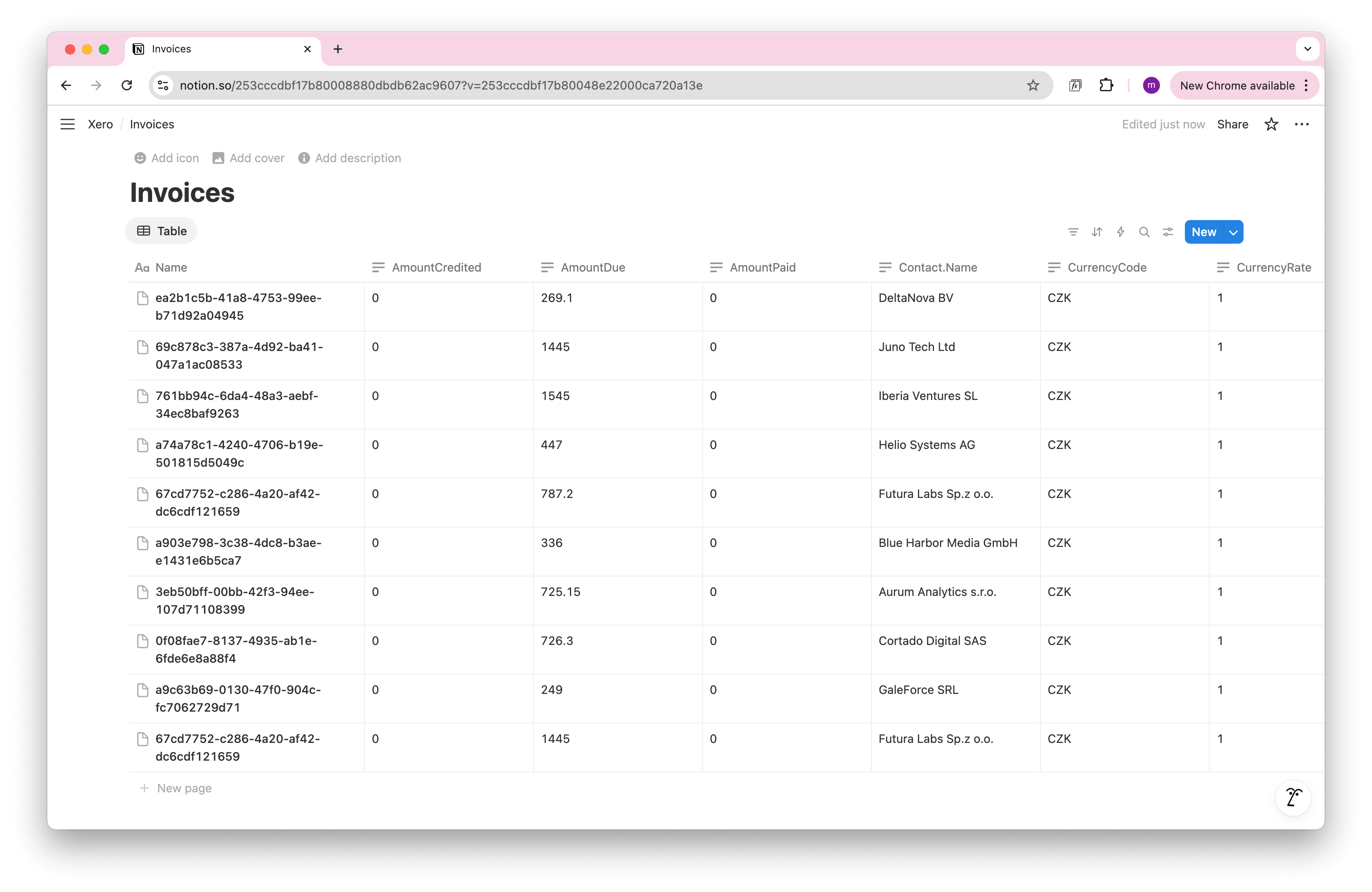
Other popular Xero endpoints
Each endpoint requires a JMES expression to reach the nested records. The table below shows the URL, the expression to use, and which scope must be included in your OAuth connection.
| Endpoint | What it returns | Required scope | JMES expression |
|---|---|---|---|
/api.xro/2.0/Contacts |
Customers and suppliers stored in Xero | accounting.contacts.read |
Response.Contacts.Contact |
/api.xro/2.0/Payments |
Payments applied to invoices or credit notes | accounting.banktransactions.read |
Response.Payments.Payment |
/api.xro/2.0/Accounts |
Chart of accounts (assets, liabilities, revenue, etc.) | accounting.settings.read |
Response.Accounts.Account |
/api.xro/2.0/CreditNotes |
Credit notes issued to customers or received from suppliers | accounting.banktransactions.read |
Response.CreditNotes.CreditNote |
/api.xro/2.0/BankTransactions |
Spend and receive money transactions from your bank accounts | accounting.banktransactions.read |
Response.BankTransactions.BankTransaction |
Automate Data Updates in Notion
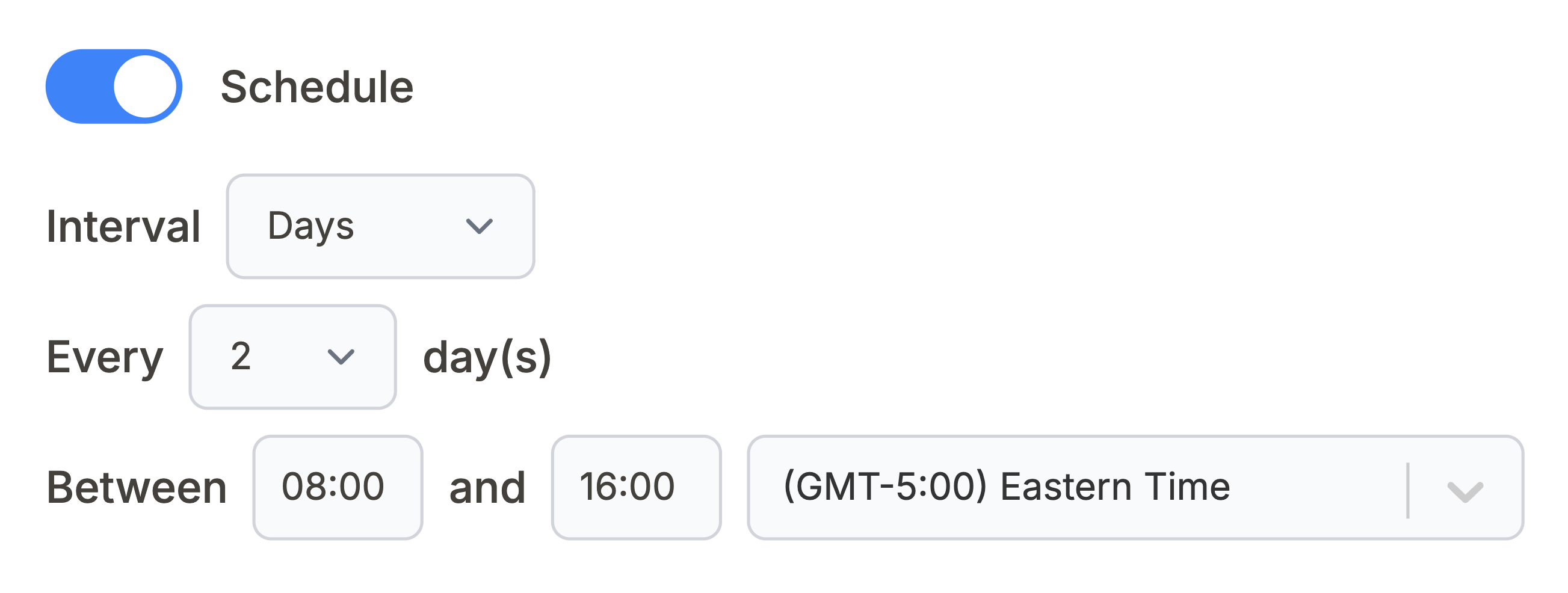
Manually refreshing your Xero data in Notion can be tedious. With Note API Connector’s scheduling feature, you can automate data updates and ensure your Notion workspace always reflects the latest Xero data.
Choose to sync hourly, daily, or at custom intervals so your finance dashboard stays current without manual exports.
Conclusion
With Note API Connector, you can import Xero data into Notion quickly and securely, no coding needed. Connect once with OAuth and pull the endpoints you need like invoices, contacts, payments, and accounts into a clean Notion database.
Map key fields to Notion properties, build views for statuses and due dates, and schedule automatic syncs that keep numbers fresh. Whether you are a founder, accountant, or ops lead, this Xero → Notion integration turns Notion into a living source of truth for your finances.
Ready to go deeper? Add additional scopes to unlock more endpoints, sync only approved invoices, or maintain separate databases for multiple Xero organisations.
Frequently Asked Questions
Create a Xero OAuth app, add a Custom OAuth connection in Note API Connector, then build a request to
a Xero endpoint such as /api.xro/2.0/Invoices.
No. Note API Connector is a no-code tool. You configure OAuth once, choose your Xero organisation, and create requests with form fields.
Yes. With automatic scheduling , you can set your data to update hourly, daily, or at custom intervals. This ensures your Notion dashboard always reflects the latest Xero data, reducing manual updates.
Yes. Note API Connector uses secure OAuth authentication, and your Xero credentials are never stored. You have full control over what data is shared and how often it’s synced.